
Everything a pantry runs on, in one system.
Every feature is included on every plan. Jump to the part of your pantry you want to see.
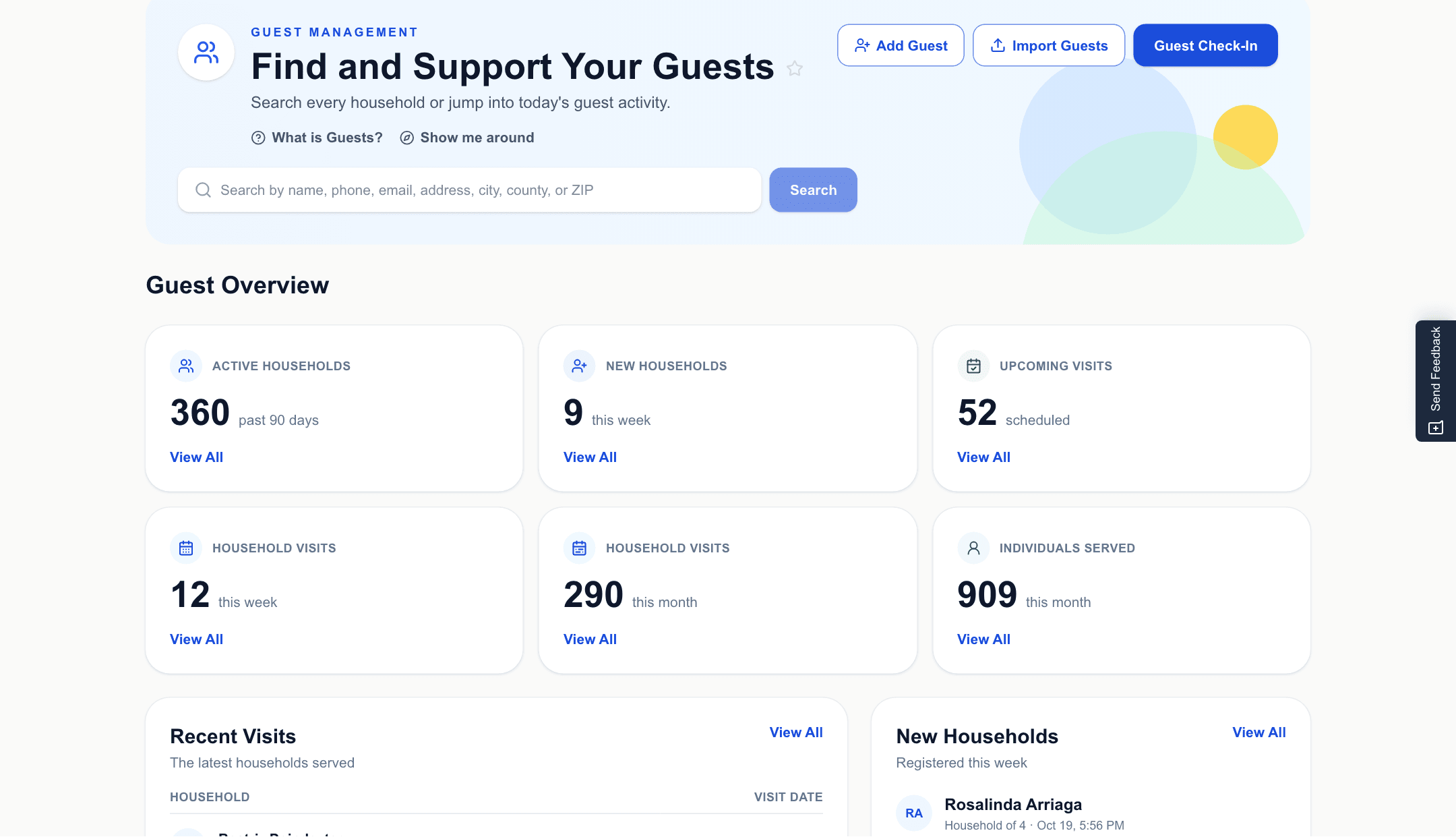
Guests and check-in
Register once. Every visit after takes seconds.
One household record holds everything: who lives there, every visit, and whether they qualify. Check-in is a search or a scan, and your visit rules are applied for you.
- Search households by name, phone, address or ZIP
- Registration questions you choose
- TEFAP income eligibility checked at registration, with Texas's guidelines built in
- Visit limits enforced at check-in and when booking
- A QR pass for each household, scanned to check in
- Duplicate households found and merged
- Import your guests and past visits from a spreadsheet
Inventory
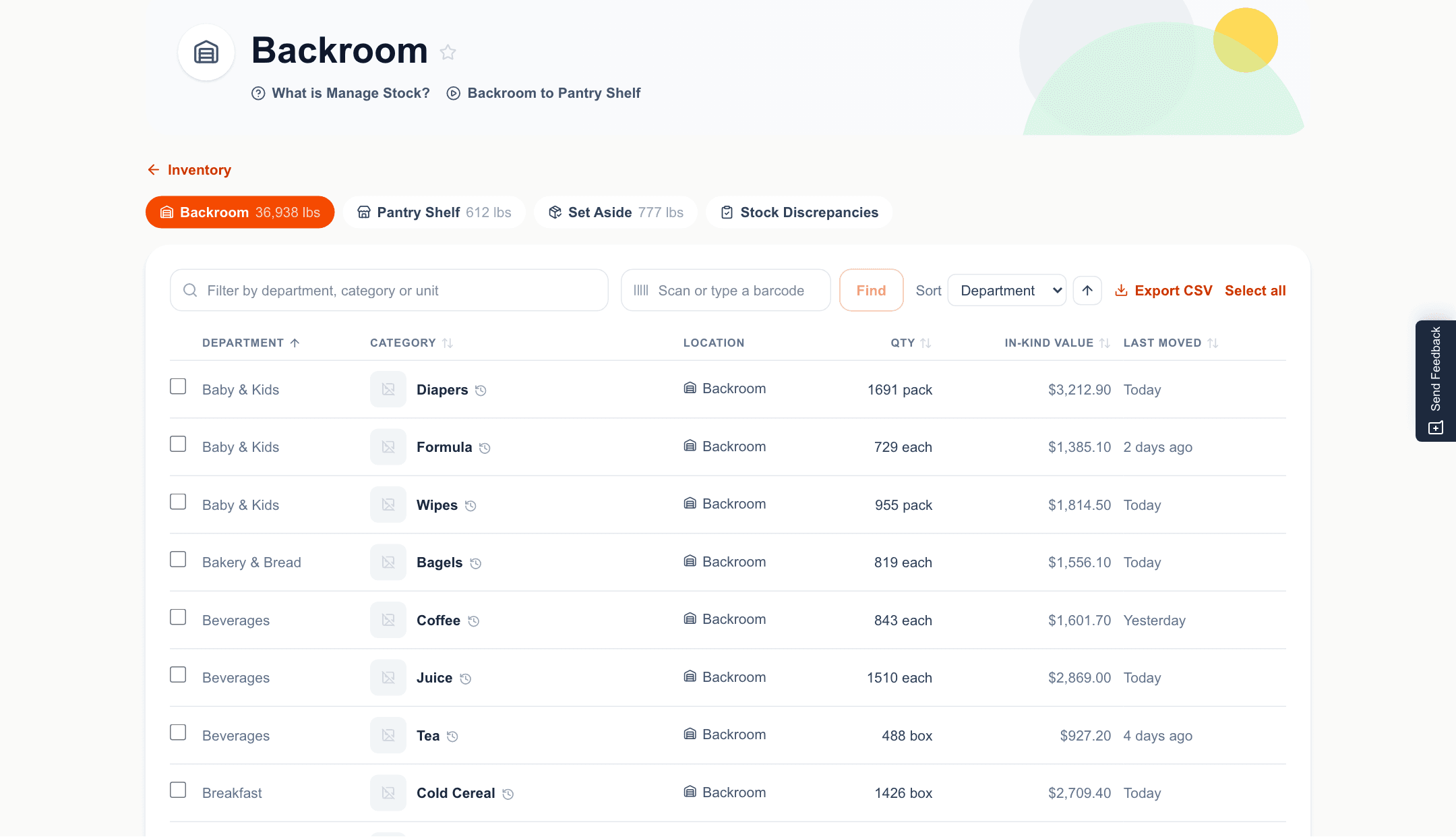
Know what's on the shelf without counting it twice.
Receive a delivery by scanning, by hand, or by photographing the receipt. Stock moves as orders go out, so the count is right when you need it.
- Receive by barcode, by hand, or from a photo of the receipt
- A barcode is remembered after the first scan
- Live counts, low-stock warnings and full history
- TEFAP stock kept separate, with the quarterly months-on-hand report
- Purchases recorded against the funding source that paid
- Food-safety checks when a delivery arrives
Volunteers
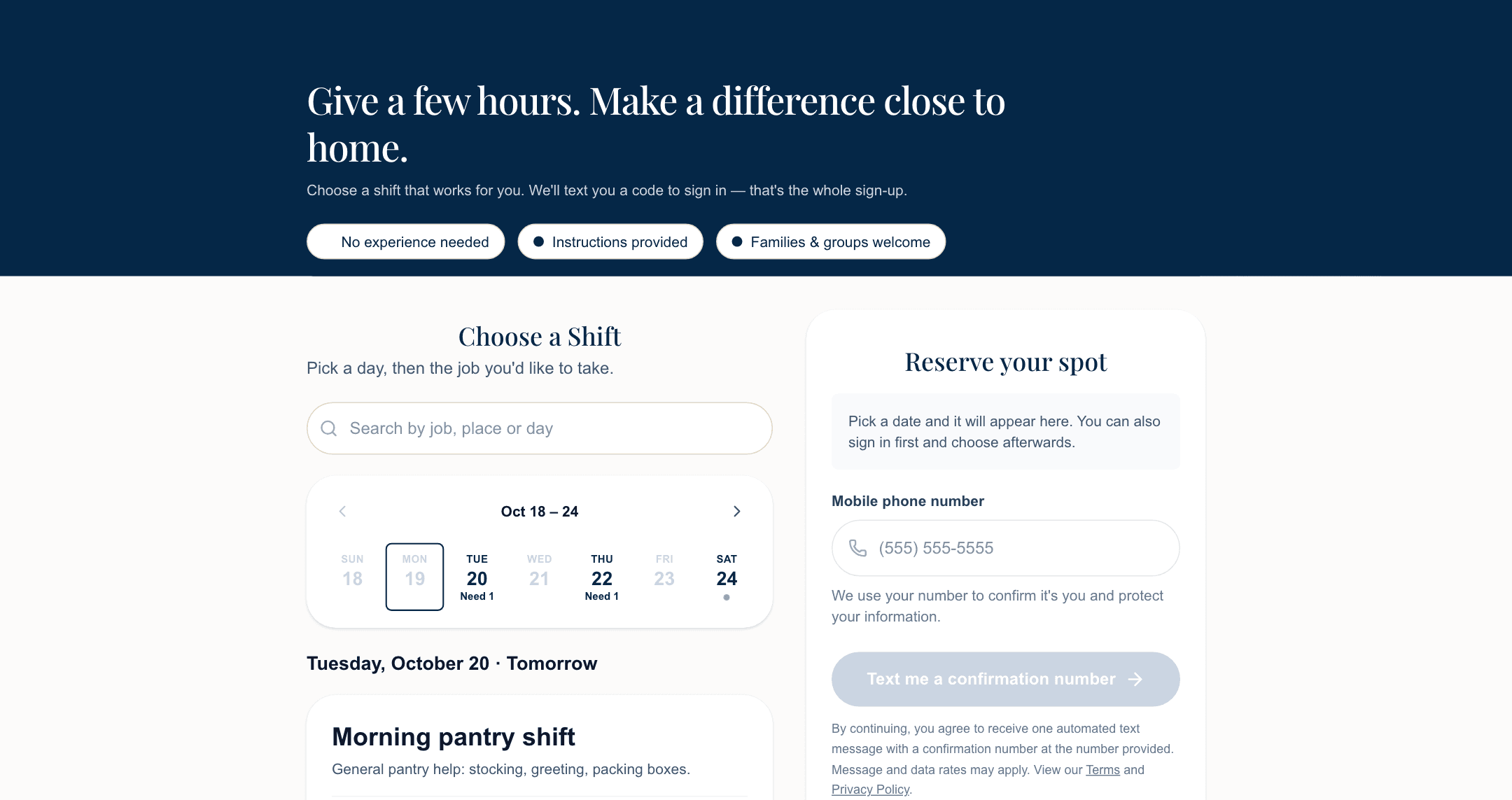
Shifts filled, without the phone tree.
Post the shifts you need and share one link. Volunteers sign up with a texted code, so there's no password to forget, and they get a reminder before they come.
- Shifts with roles and the number of spots
- A public sign-up page with the week laid out
- Sign in with a texted code, not a password
- Shift reminders
- Check-in and volunteer hours, tracked
- Your own volunteer registration questions
Distribution and appointments
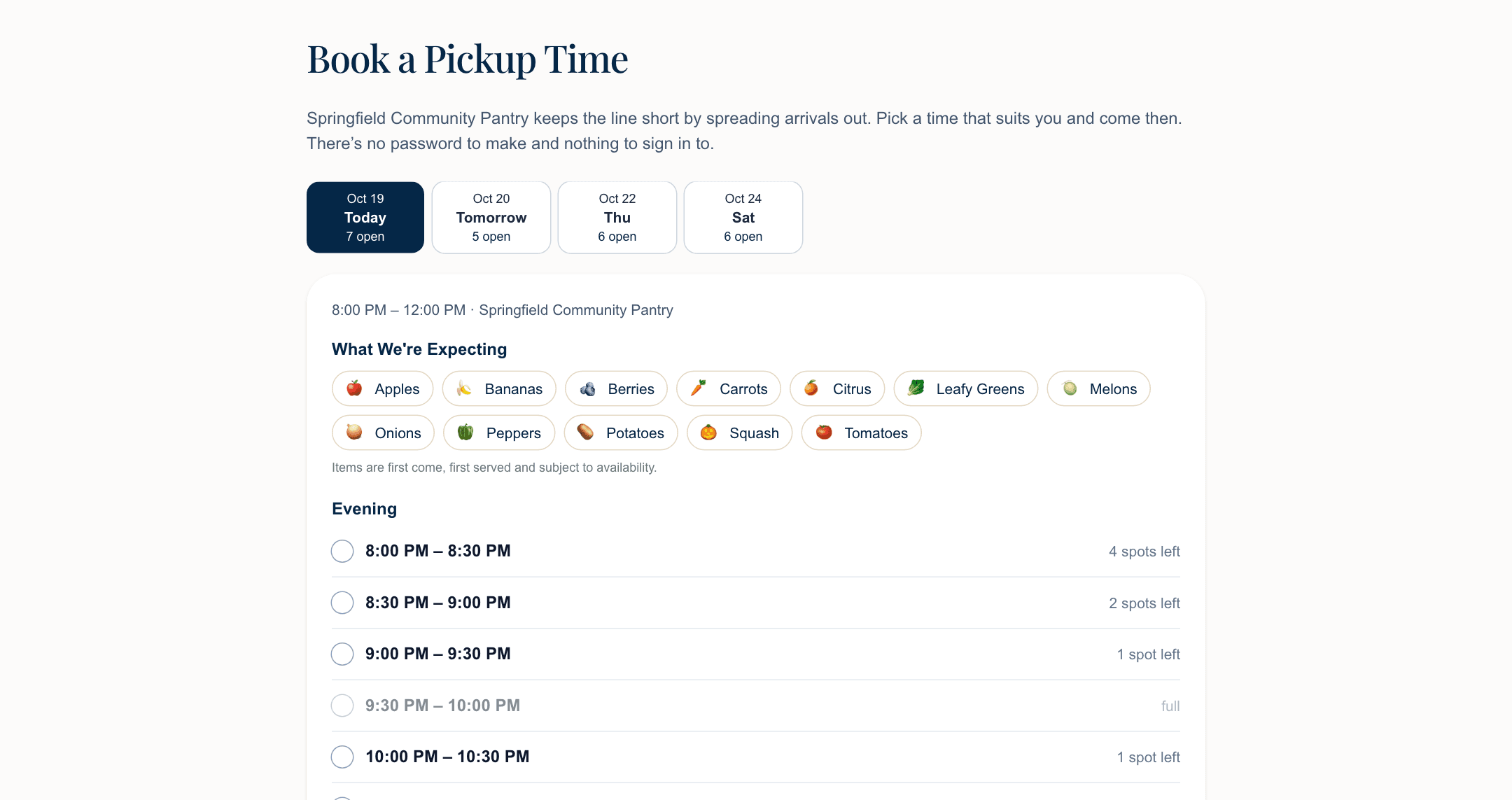
The line, without the line.
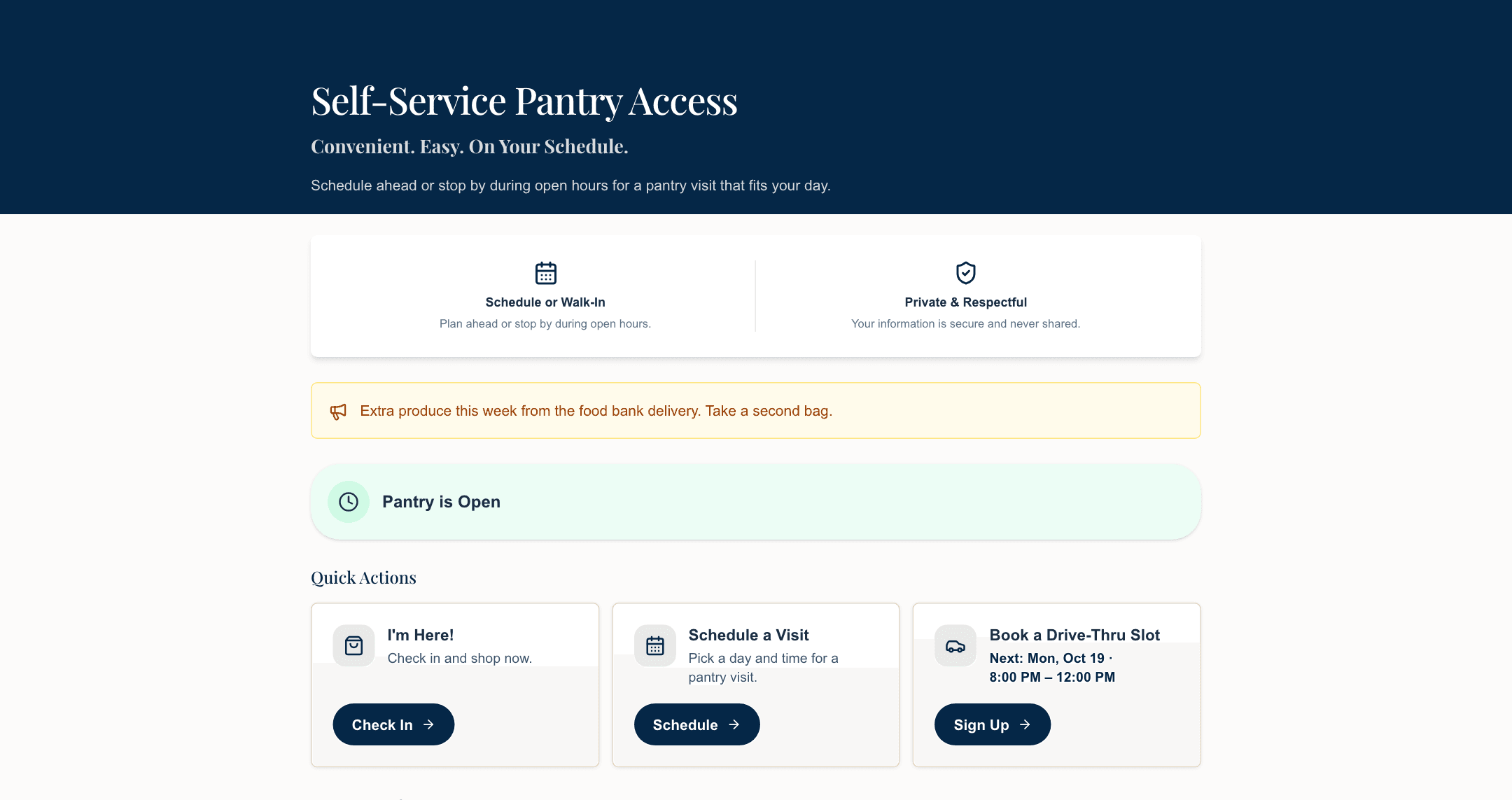
A big distribution day doesn't need a line down the block. Set windows that hold only what your lot can, and neighbors book a spot themselves from any phone.
- Windows with a capacity you set, per slot or per day
- Guests book themselves and see how many spots are left
- A confirmation email with the household's QR pass
- A roster for the day, checked in window by window
- A booking phone line for neighbors without a smartphone
- A distribution-day report when it's over
Open after hours
Open, even when nobody is there.
A neighbor who works two jobs can't make Saturday morning. With a smart lock, a guest verifies their phone and gets a one-time door code, so the pantry is open when they can come.
- One-time door codes sent to your smart lock
- Each guest's phone number verified before a code is issued
- Your visit rules apply at the door, too
- Alerts when the lock's battery runs low or it goes offline
- A log of every time the door opens
- Staff can issue a code for a neighbor in person
Online ordering and delivery
A shop, not a form.
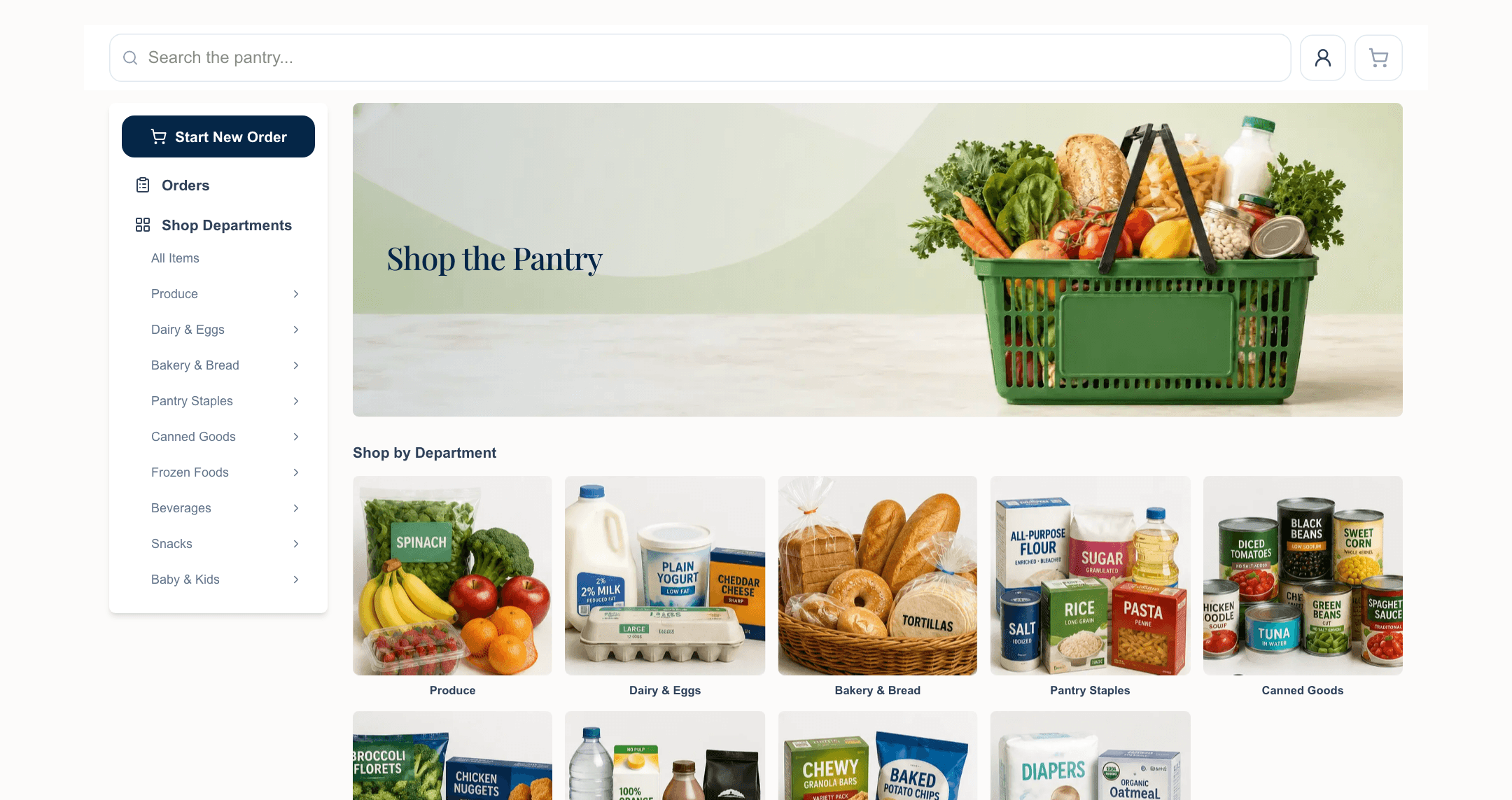
Neighbors browse your real shelves online and pick what their family will actually eat. You pack it, and they pick it up, or you deliver.
- A storefront drawn from live stock, by department
- Pick, pack, ready: one queue for staff
- Home-delivery requests, with your approval
- Bundles for the orders people place every time
- Per-household limits and allowances, enforced
Your website
A website neighbors can actually use.
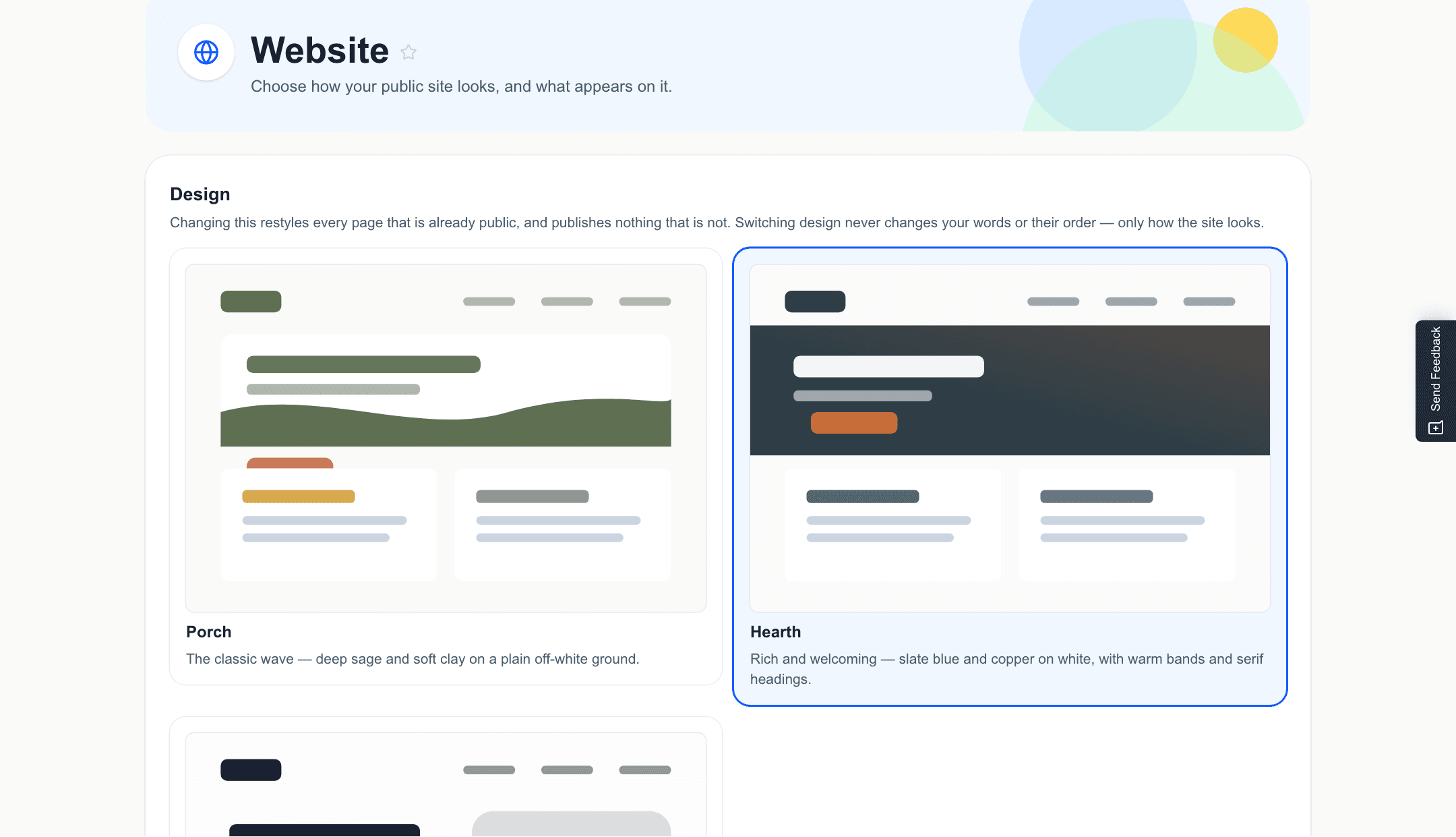
Neighbors look you up before they ever walk in. Pick one of three designs, add your logo, color and words, and every page matches: your hours, how to get food, how to help.
- Three designs, and every page matches the one you pick
- Your logo, your color, your words. No web guy required
- Hosted by us, or on a domain you already own
- Events with online registration
- Guest pages in English and Spanish
Communications
The right message to the right people.
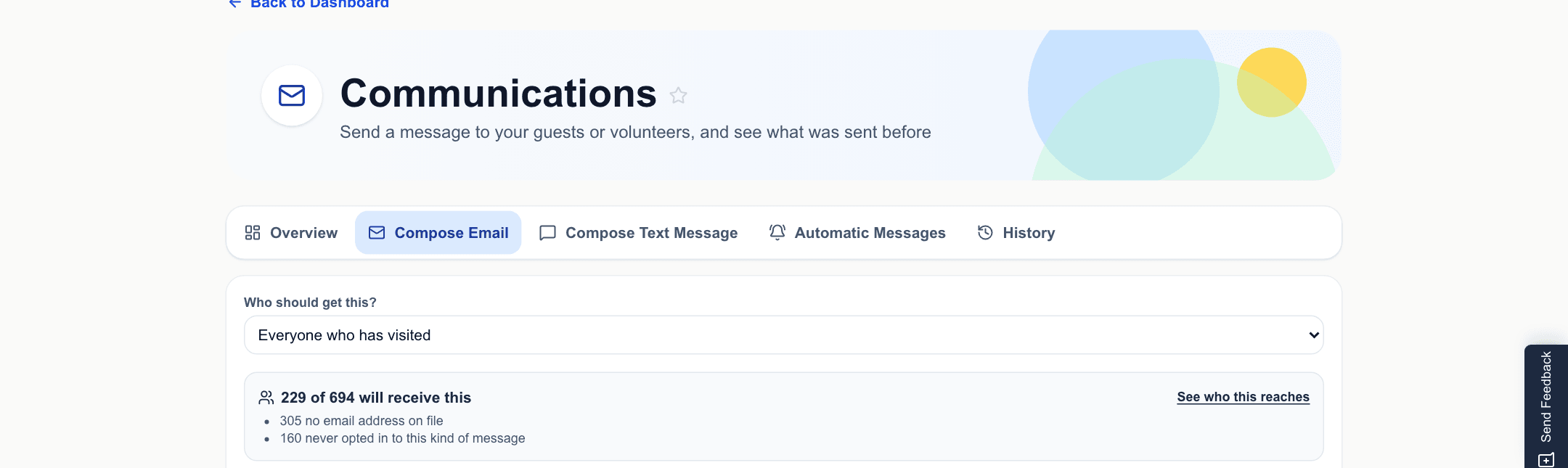
Announce a distribution, thank your volunteers, or send a newsletter, to exactly the people it's for, and only to those who said yes.
- Email and text, to guests, volunteers or subscribers
- Audiences like everyone who visited this month
- Consent, unsubscribe and quiet hours handled for you
- Saved templates and a full message history
- A newsletter for your supporters
Grants and reporting
The numbers funders ask for, already counted.
Households served, pounds out the door, dollars by funding source: counted from your daily work, not rebuilt the night a report is due.
- Funding sources, with spending tied to each
- One page per grant: award, period, budget and what's spent
- TEFAP registrations, monthly served and households served
- By city and county, demographics and visit frequency
- Distribution-day and inventory reconciliation reports
- Download reports as spreadsheets
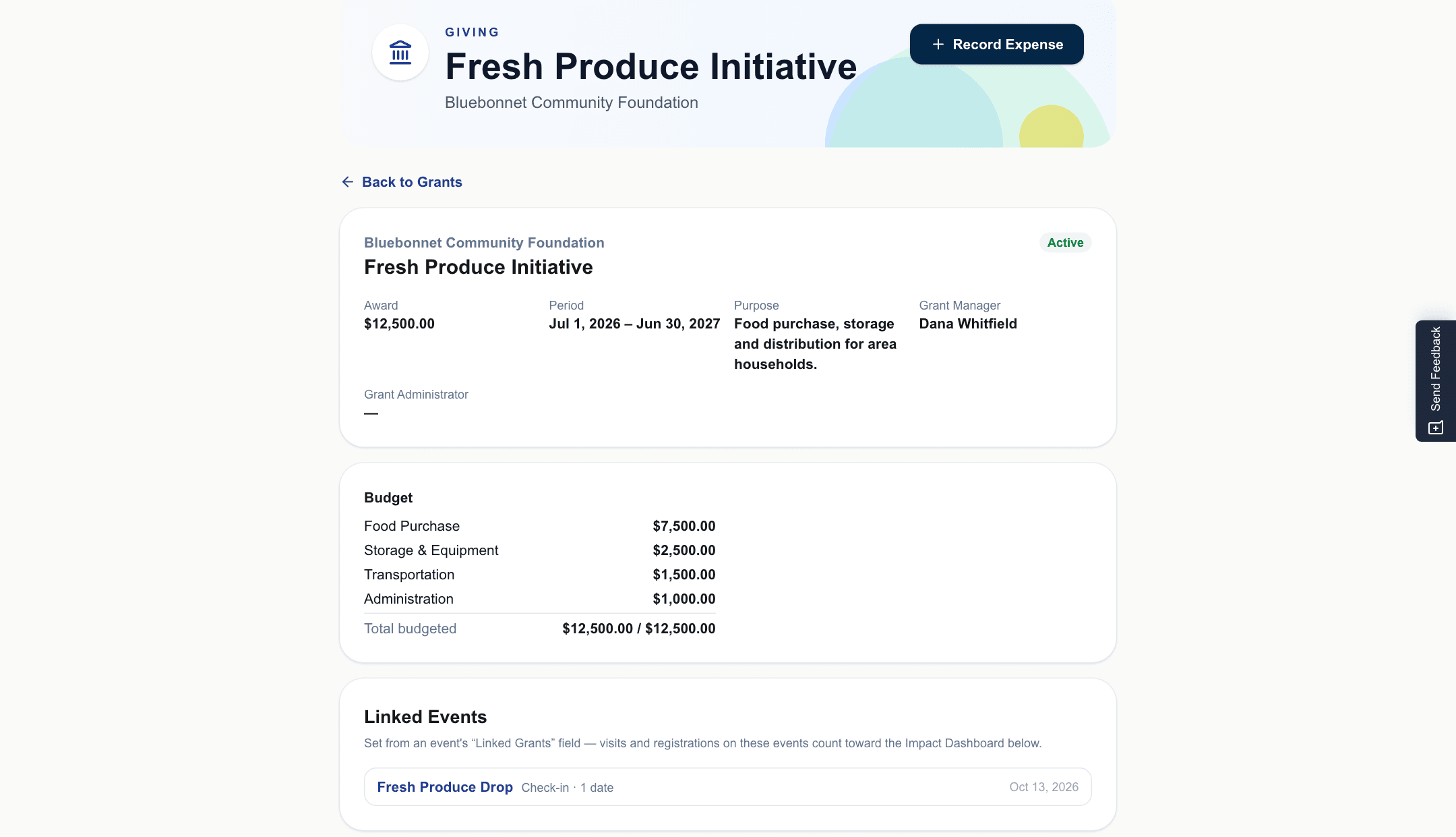
Thrift store and giving
The rest of the mission, on the same system.
Take donations online, show donors what you're short of, and run a thrift store from a volunteer's phone.
- Online giving through Stripe or PayPal
- Cash and check gifts recorded, with a record for each donor
- A public needs list
- Thrift sales rung up on a volunteer's phone
- Cash, your own card reader, or a household allowance
- Drawer counts and sales reports
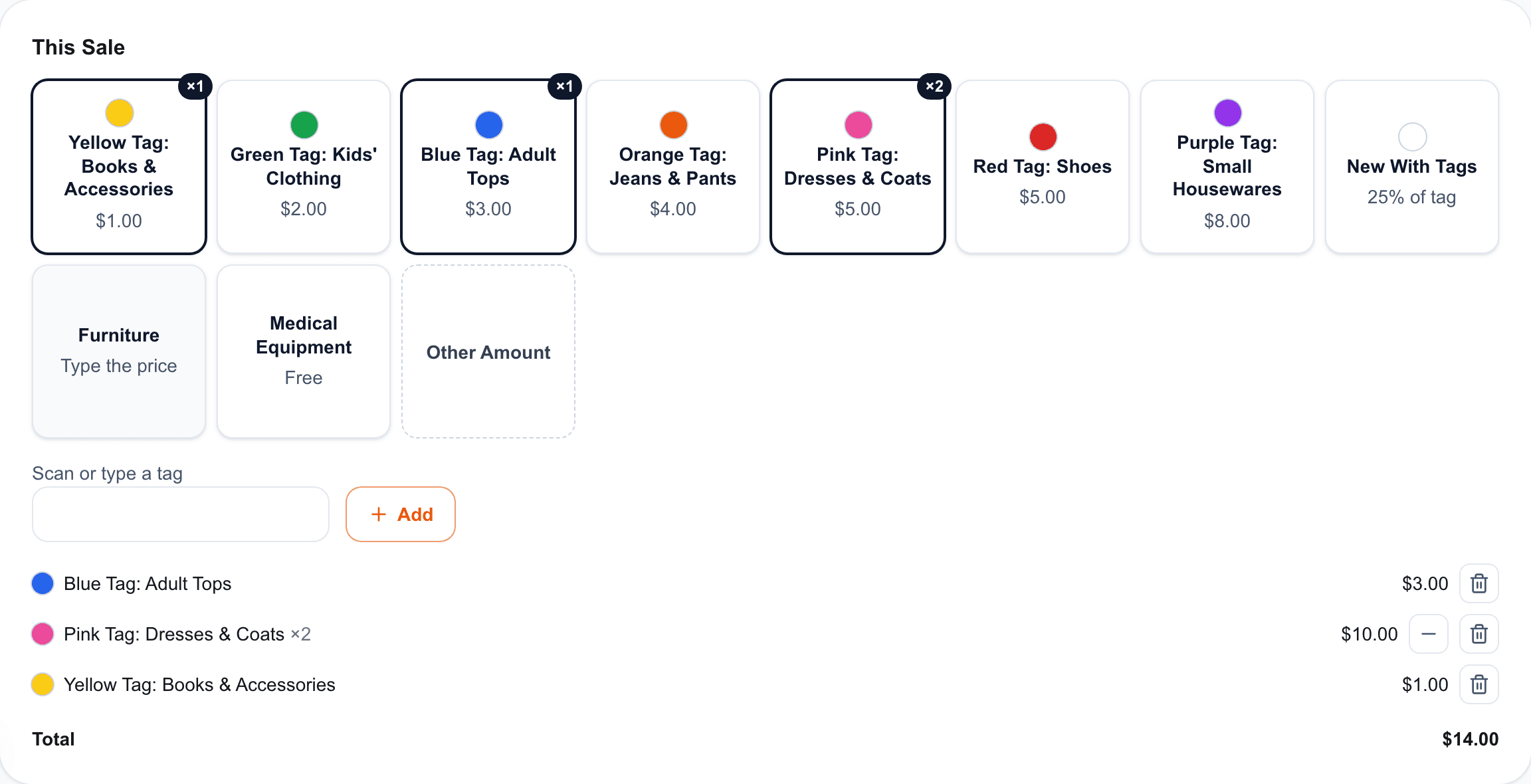
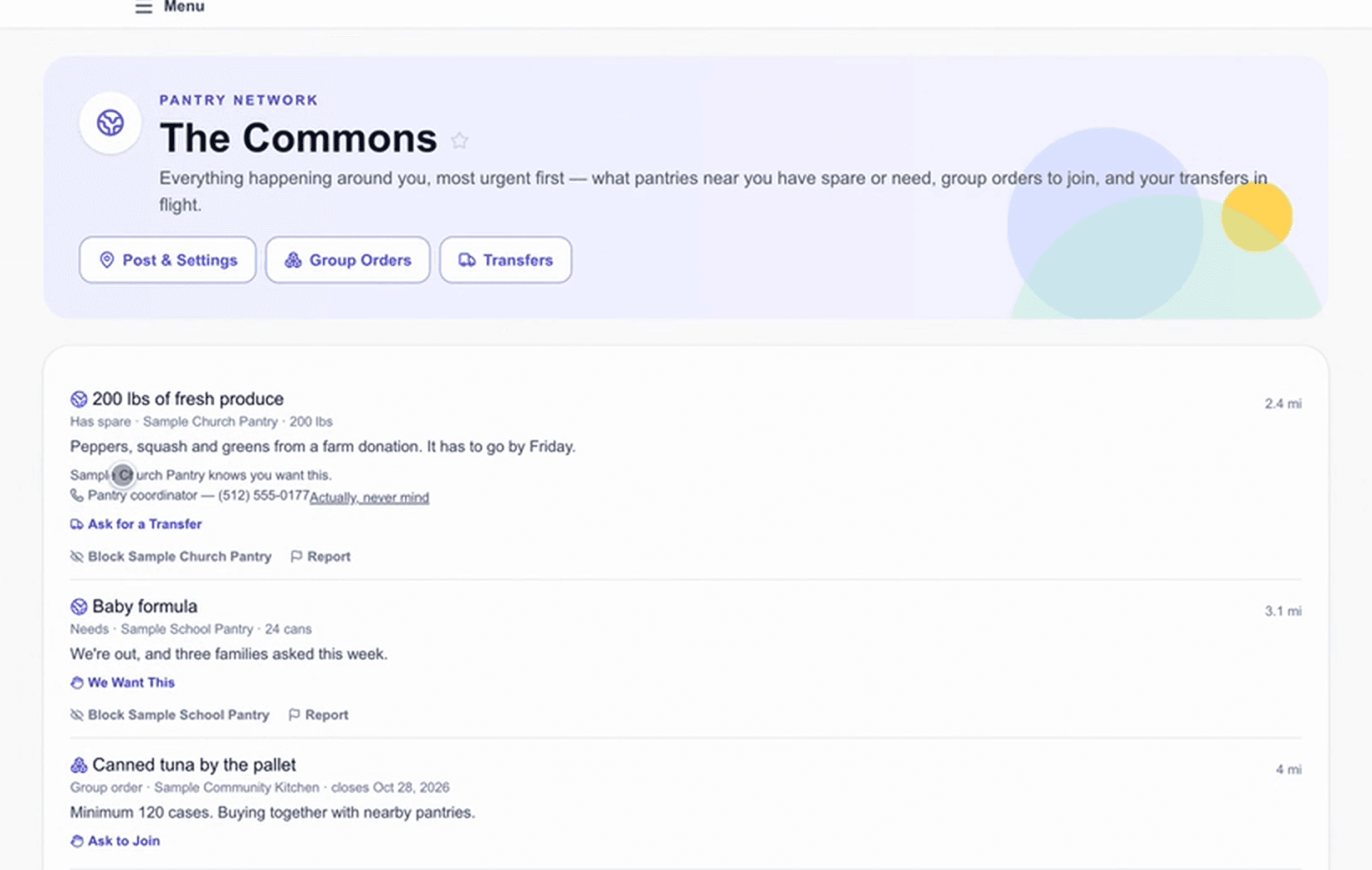
The Pantry Network
Pantries near each other, actually talking.
Free for every pantry, whether or not you use anything else. Share what you have, ask for what you need.
- Post surplus before it spoils, and say what you're short on
- Order together to reach case and pallet minimums
- Move food between pantries
- Ask the pantries nearest you for volunteers
- Choose what other pantries can see
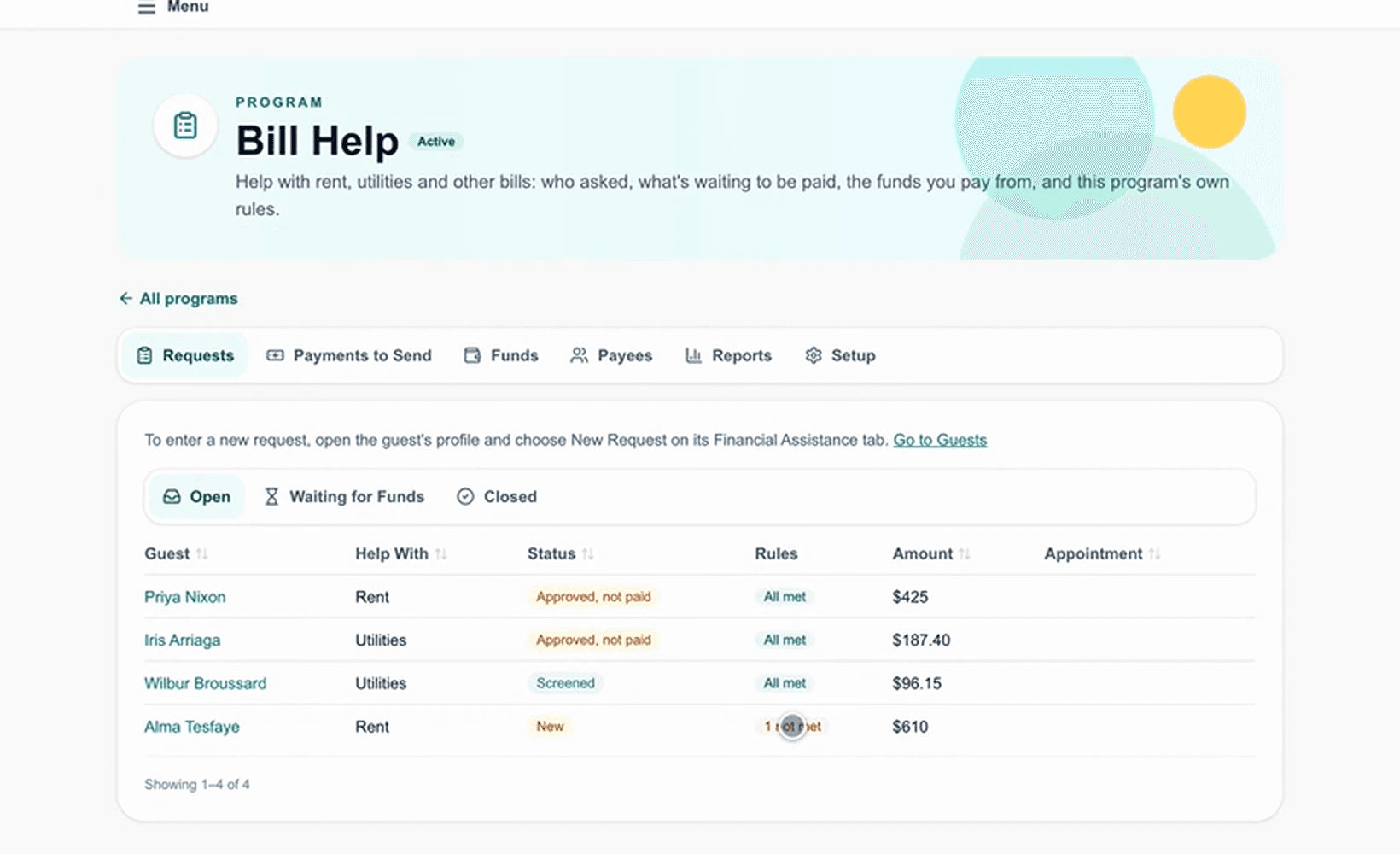
Financial assistance
Bill help, off paper.
Many pantries also help with rent, utilities and prescriptions, and the record lives in a folder. Keep your rules and requests in one place, beside the household's food visits.
- Your program's rules, set once
- A queue of requests for staff to work through
- A public page: who qualifies, what to bring, and the forms
- A quick check a neighbor can run before applying
Dashboard
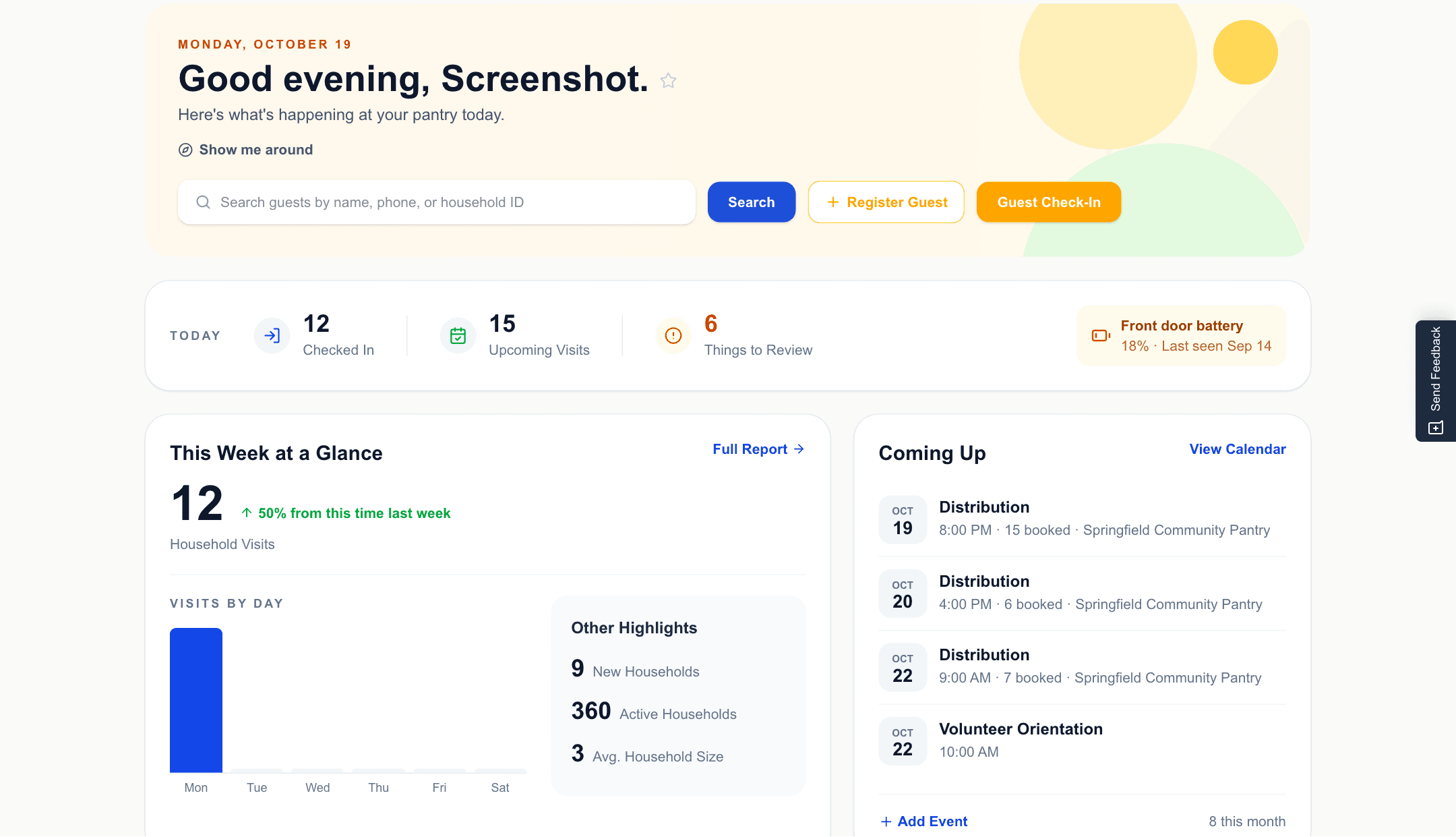
Your whole pantry on one screen.
The first thing an admin sees each morning: today's numbers, the week's trend, and what's coming up, with search and check-in one click away.
- Find a guest, register one, or start check-in from the first screen
- Today's check-ins, upcoming visits, and things waiting for review
- Household visits this week, compared with last week, day by day
- Coming up: distributions with how many are booked, and events
- The front door lock's battery, before it runs out
All of it, on every plan
No modules to buy and no per-user fees. 30 days free, no credit card.